Overview
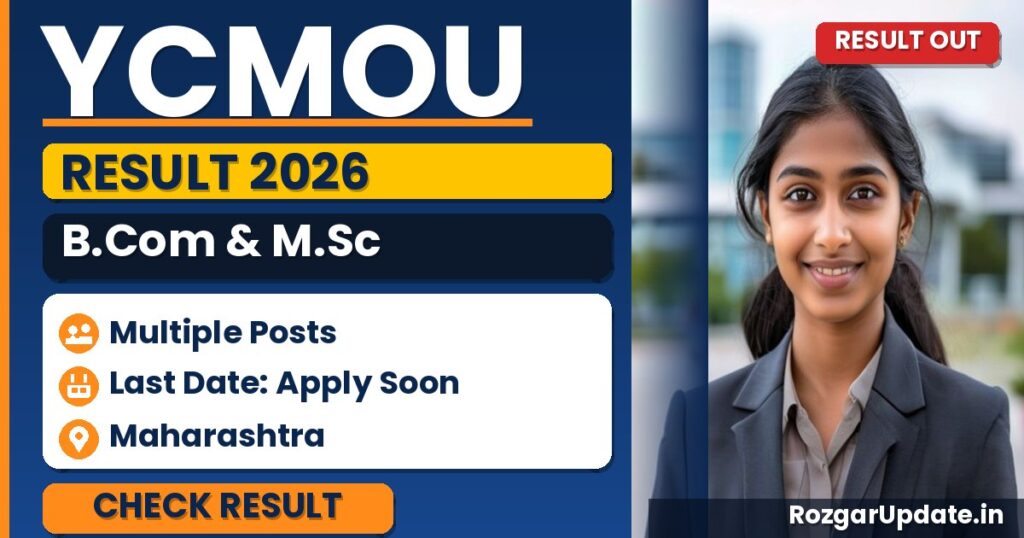
Students waiting for the YCMOU B.Com & M.Sc Result 2026 can now verify their performance through the official university portal. If you appeared for the exams in Maharashtra, your unit-wise results are available for download directly at ycmou.digitaluniversity.ac.
Editor’s note: When checking your result, ensure you keep your PRN (Permanent Registration Number) handy, as the portal requires it to filter your specific unit-wise marksheets; avoid third-party sites to prevent data errors.
🔗 Also see: Govt Jobs in Maharashtra · Result · All Latest Jobs
Who Should Apply & Key Highlights
- This update is specifically for current students of Yashwantrao Chavan Maharashtra Open University (YCMOU) enrolled in B.Com and M.Sc programs who are awaiting their 2026 academic results.
- Candidates should visit the official portal at ycmou.digitaluniversity.ac to access their unit-wise performance; ensure you have your PRN (Permanent Registration Number) handy for a smooth login.
- As this is an online result declaration, check your subject-wise grades carefully and download a digital copy for your records, as it serves as a provisional reference before the official marksheets are issued.
- If you encounter any discrepancies in your marks or status, contact the university’s examination department promptly through the official channels provided on the portal to initiate the verification process.
Quick Overview
| Organisation | YCMOU B.Com & M.Sc |
|---|---|
| Post / Exam | B.Com & M.Sc |
| Category | Result |
| Location | Maharashtra |
| Mode | Online |
Important Dates
| Particular | Detail |
|---|---|
| Result Declared For (this update) | Unit-1: UG G02 – B.Com (NEP 2020, Sem I & II); Unit-3: V153, V155, V156 – M.Sc. Physics, Zoology, Botany |
| Result Declaration Date | 13 July 2026 |
| Result Mode | Course-wise, phased declaration (not a single combined result) |
How to Check Result
- Open the official website using the link in the Important Links section below.
- Click on the result link for B.Com & M.Sc.
- Enter your registration number / roll number and date of birth or password.
- Submit the details to view your result on the screen.
- Download the result and take a printout for future reference.
Important Links
Official WebsiteVisit
Get Instant Job Alerts — Join Our Channels
Never miss a notification. Follow us for same-day govt job, result and admit-card updates:
People Also Search For
- Ycmou B Com Subjects
- Ycmou B Com Syllabus
- Ycmou B.sc
Frequently Asked Questions
Where can I find the official YCMOU B.Com & M.Sc Result 2026?
You can access your results exclusively through the official website at ycmou.digitaluniversity.ac.
What details are needed to check my results online?
To view your marks, you will typically need your PRN or seat number as generated during your exam registration.
Are the results released unit-wise for these courses?
Yes, the university portal allows students to check their unit-wise performance for both B.Com and M.Sc programs.
What should I do if my result shows an error?
If you encounter discrepancies in your marksheets, contact the YCMOU examination department or your regional study center immediately for rectification.